Docs › Buying & spending
Suppliers
Keep your supplier details in one place so purchases are quick and your GST records are right.
#What suppliers are for
A supplier is anyone you buy goods from. You pick a supplier on every purchase, so add them first.
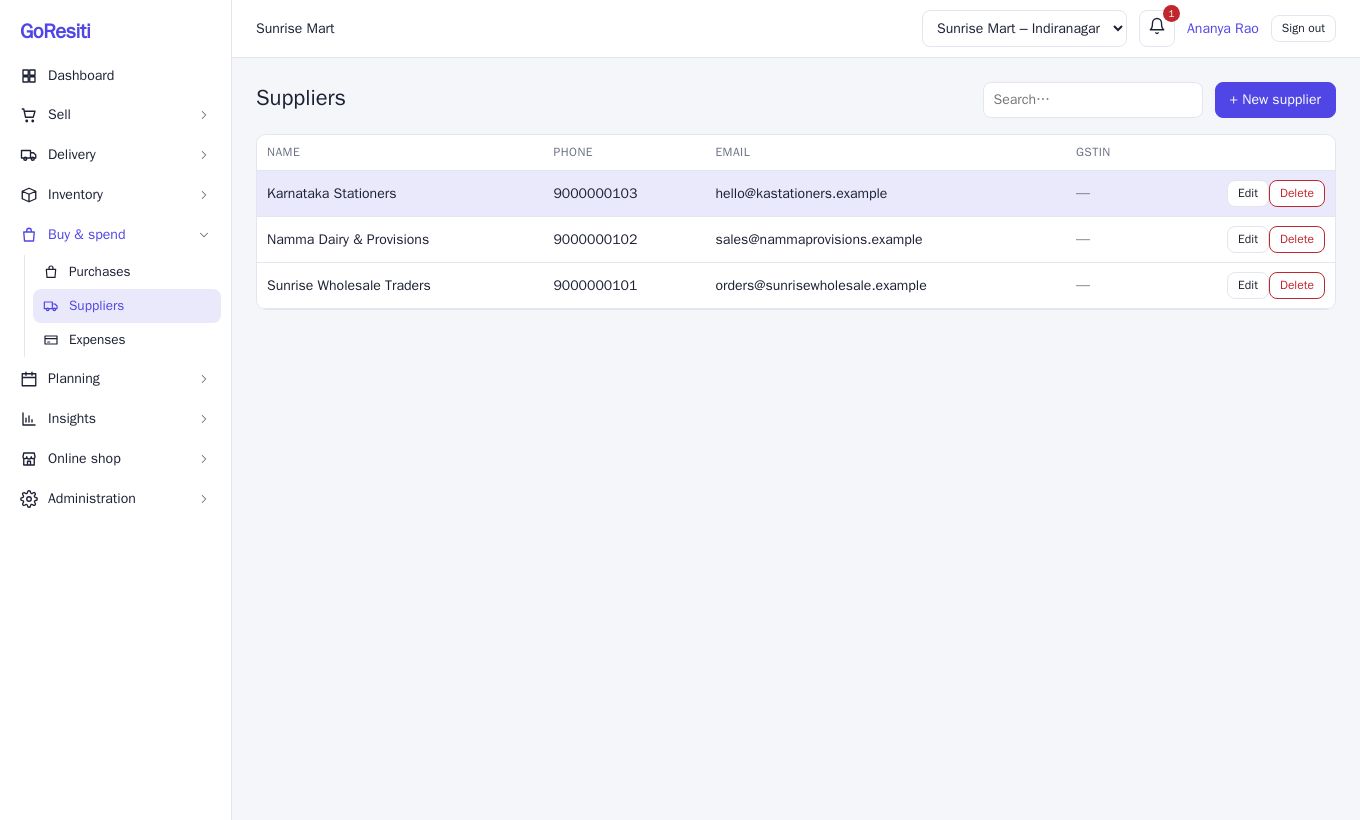
Open Buy & spend → Suppliers to see your list with Name, Phone, Email and GSTIN. Use the search box to find one quickly.
#Adding a supplier
- Click the add button on the Suppliers page.
- Fill in the form. Only Name is required.
- Save.
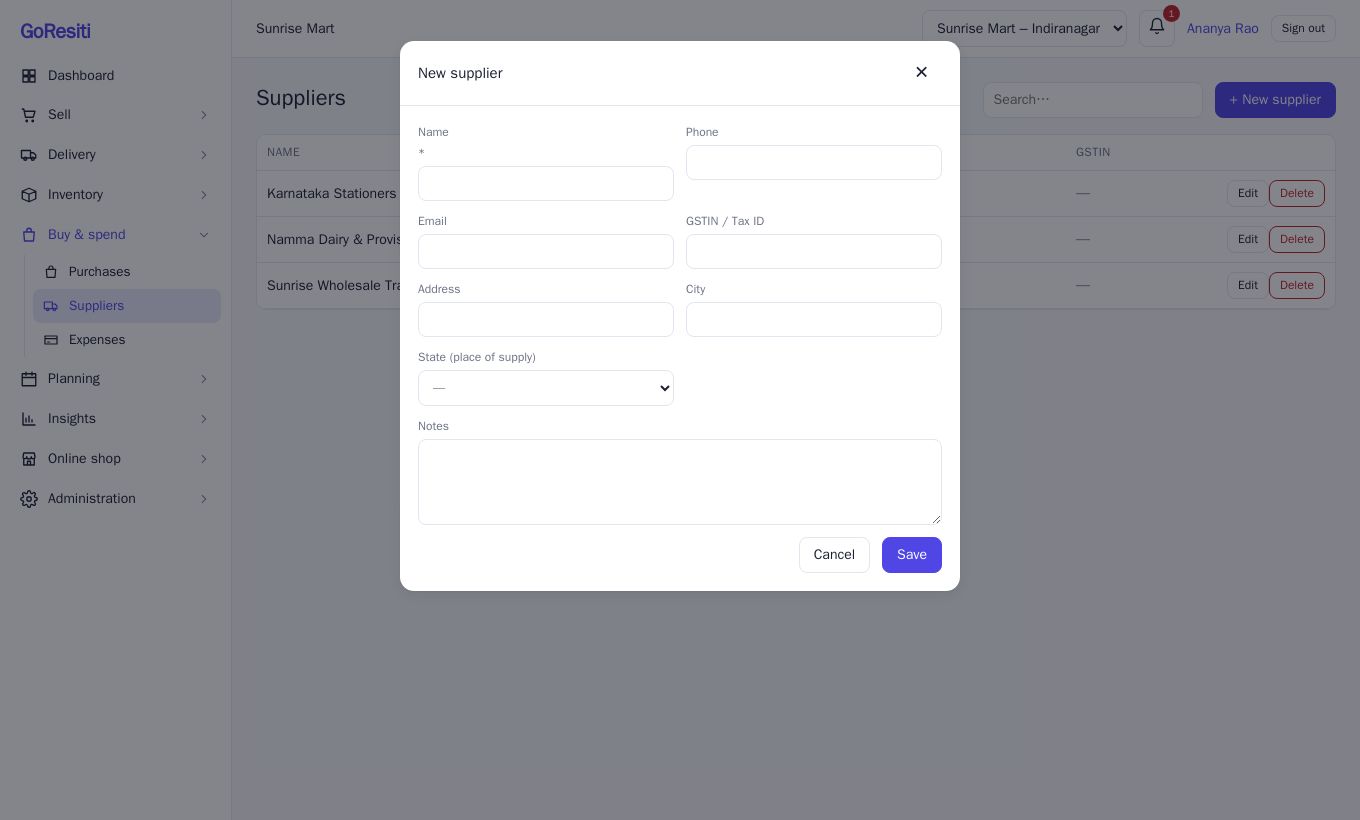
| Field | Notes |
|---|---|
| Name | Use the name on their bills. You will pick it from a list when buying. |
| Phone, Email | Handy for reordering. |
| GSTIN / Tax ID | Their GST number, for your records. |
| Address, City | Where they are based. |
| State (place of supply) | Choose the supplier's state. |
| Notes | Anything you want to remember, such as payment terms or delivery days. |
#Editing or removing a supplier
Use the edit button on a row to change details. The delete button removes the supplier. You need supplier management permission for adding, editing and deleting. See Users and roles.